The battery for your Nissan Pathfinder key fob is most commonly a coin-cell battery, usually a CR2032. Replacing it is a simple DIY task that will have your key fob working like new again. This guide provides everything you need to know, from identifying the right battery to safely changing it.
Battery for Nissan Pathfinder Key Fob: Your Essential Guide

Is your Nissan Pathfinder key fob acting up? Do you have to wave it around or get super close to the car for it to work? Don’t worry, this is a common problem, and it usually means the battery inside is getting weak or has died completely. The good news is, you don’t need to be a car expert or a tech whiz to fix this! Replacing the battery in your Nissan Pathfinder key fob is a straightforward process that most owners can do themselves with a few simple tools. Let’s dive in and get your key fob back to full power, so you can lock, unlock, and start your Pathfinder like a breeze. We’ll cover everything you need, what to do, and how to do it safely, ensuring you’re back on the road with confidence.
Why Does Your Key Fob Need a New Battery?
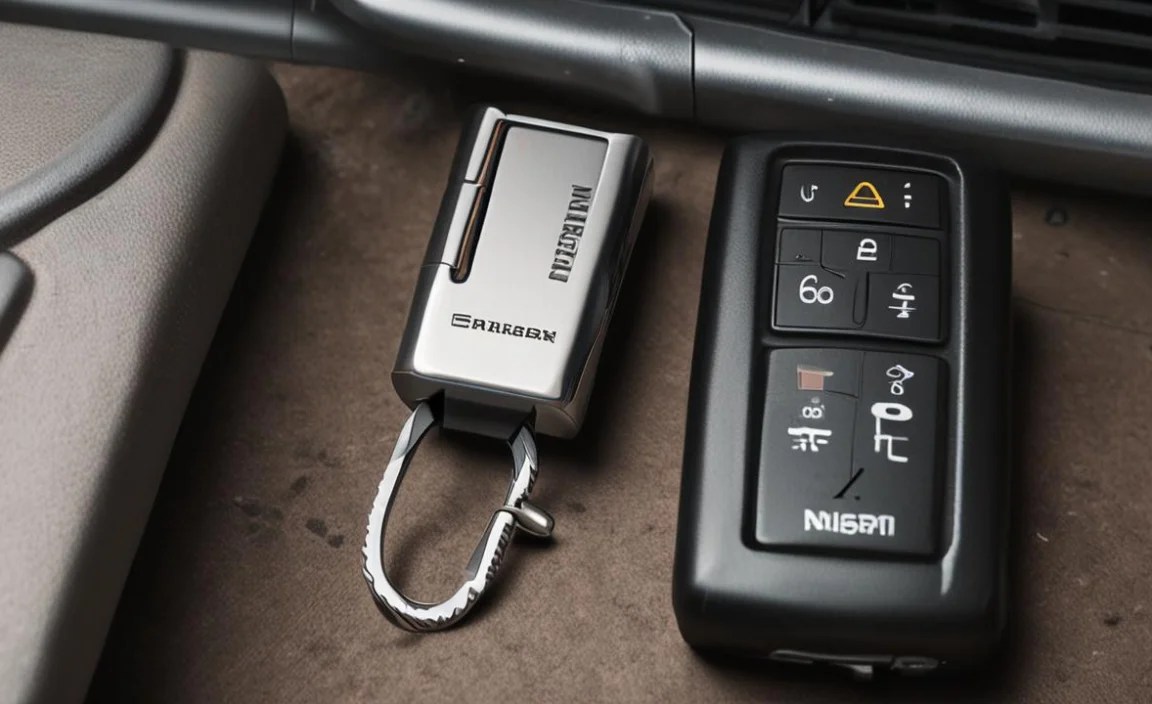
Think of your key fob’s battery like the one in your TV remote. Over time, it just gets drained from everyday use. Every time you press a button – to unlock your doors, pop the trunk, or start your car – the mini battery inside is working hard. This constant activity means the battery’s power slowly but surely depletes.
When the battery gets low, the signal your key fob sends to your Pathfinder becomes weaker. This is why you might notice it takes more tries to unlock the doors, or you have to be much closer to the car for it to respond. Eventually, a completely dead battery means the fob won’t work at all, leaving you stranded or needing to use your physical key – which is a hassle nobody wants.
Understanding Your Nissan Pathfinder Key Fob Battery

The most common culprit for a dying key fob is the battery. For most Nissan Pathfinder models, especially those from the last decade or so, the battery you’ll need is a small, round, coin-shaped battery.
The Type of Battery You’ll Likely Need:
CR2032: This is the king of key fob batteries. It’s a 3-volt lithium coin cell, easily found in most supermarkets, drugstores, electronics stores, and online. It’s incredibly common and very reliable for this task.
Other Possibilities: While CR2032 is the most frequent, very old models might use a different coin cell. Always check your owner’s manual or the old battery itself for the exact code.
It’s always a good idea to have a spare CR2032 on hand, just in case. They aren’t expensive, and having one ready means you can swap it out the moment your fob starts acting up, avoiding any inconvenience.
How to Identify the Right Battery
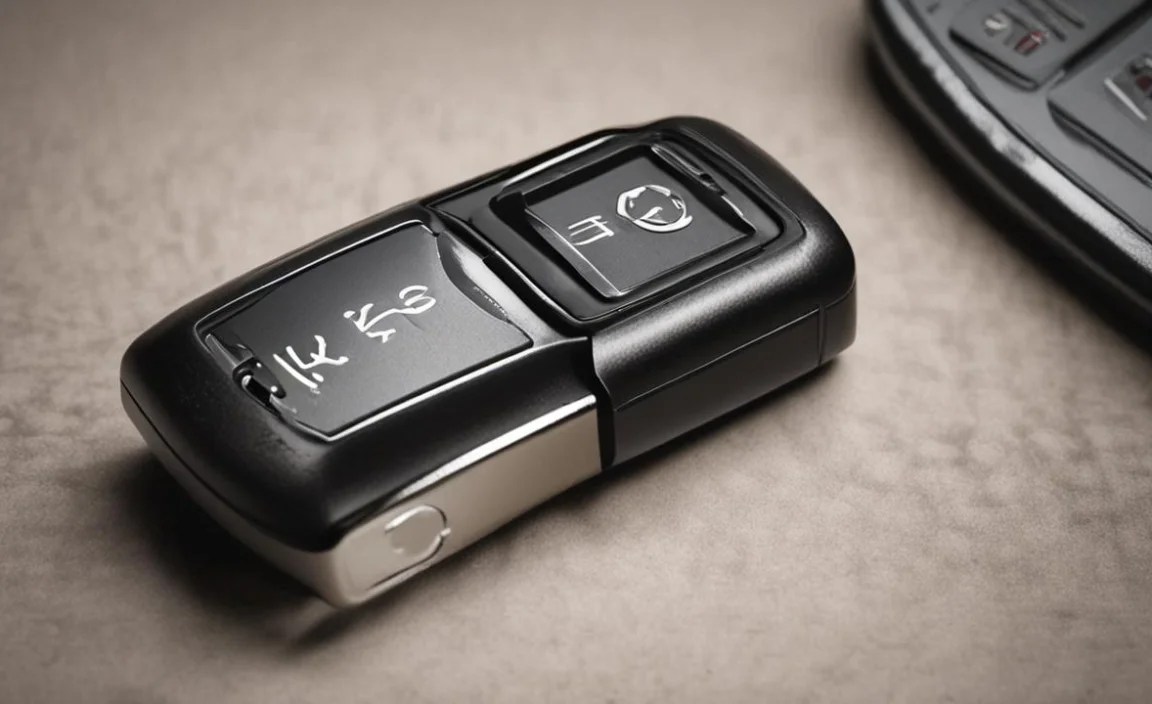
Before you can swap out the old battery, you need to be sure you have the correct replacement. Here’s how:
1. Check Your Owner’s Manual: This should be your first stop. Your Nissan Pathfinder owner’s manual is the definitive source for information about your specific vehicle, including the type of battery your key fob uses. Look in the section related to the keyless entry system or the key fob itself.
2. Examine Your Current Key Fob: If you don’t have your manual handy, or you’re not sure where to look, you can often find the battery type printed directly on the key fob itself.
Carefully open your key fob. (We’ll cover how to do this in the next section.)
Once open, look on the back of the battery or inside the compartment where it sits. The battery type, usually a code like “CR2032,” should be clearly printed on it.
3. Look for Visual Clues: The CR2032 is a silver coin cell that’s about the size of a nickel or a quarter. If your fob holds a small, flat, metallic-looking disc battery, it’s very likely a CR2032.
Can You Use a Rechargeable Battery?
For most standard key fobs like the one in your Nissan Pathfinder, you’ll be using disposable lithium coin cell batteries (like the CR2032). These are not designed to be recharged. Attempting to recharge them can be dangerous and may damage the battery or your key fob. Stick with fresh, disposable batteries for optimal performance and safety. For more general information on battery types, resources like Battery University offer great insights into different battery chemistries and their uses.
Step-by-Step Guide: Replacing Your Pathfinder Key Fob Battery
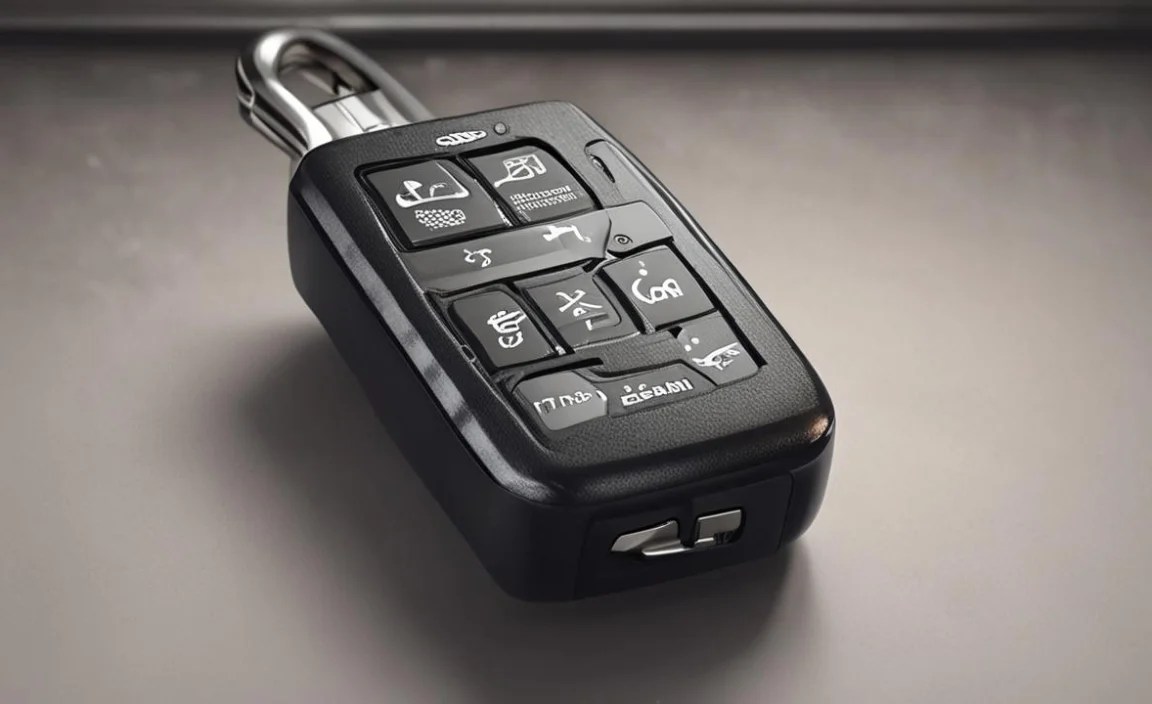
Ready to tackle this yourself? It’s easier than you think! Here’s a step-by-step guide to get your Nissan Pathfinder key fob battery replaced.
Tools You’ll Need:

New Battery: One CR2032 lithium coin cell battery (or the specific type for your fob).
Small Flathead Screwdriver or Plastic Pry Tool: For gently separating the key fob case. A plastic tool is preferred to avoid scratching the fob.
Small Phillips Head Screwdriver (Sometimes): Some fobs have a tiny screw holding them together.
Soft Cloth or Paper Towel: To handle the new battery and keep things clean.
The Battery Replacement Process:

Step 1: Prepare Your Key Fob
Locate the seam where the two halves of your key fob meet.
Some Nissan Pathfinder key fobs have a small slot or notch on the side. You might also have a small screw holding the two halves together. If there’s a screw, remove it using the appropriate screwdriver.
Step 2: Gently Open the Key Fob
If there’s a slot, carefully insert the tip of your small flathead screwdriver or plastic pry tool into the slot.
Gently twist the screwdriver or pry tool. This should start to separate the two halves of the fob. Work your way around the seam if needed, but be gentle to avoid damaging the plastic.
If your fob doesn’t have a clear slot, you might need to find a slightly wider gap and carefully pry it open.
Step 3: Locate and Remove the Old Battery
Once the fob is open, you’ll see the round coin cell battery.
Note the orientation of the battery – which side is facing up and which is down. Usually, the positive (+) side (often marked with text) faces upwards.
You can typically pop the old battery out with your finger or the tip of your pry tool. Be careful not to bend any metal contacts inside the fob.
Step 4: Install the New Battery
Take your new CR2032 battery using the soft cloth or paper towel. This keeps your fingerprints off the battery, which can sometimes affect its performance.
Place the new battery into the compartment, making sure it’s oriented correctly. The positive (+) side should face the same way the old one did – typically upwards. It should fit snugly into place.
Step 5: Close the Key Fob
Carefully align the two halves of the key fob.
Gently press them together until they snap or click into place. If you removed a screw, re-insert and tighten it. Ensure there are no gaps.
Step 6: Test Your Key Fob
Now for the moment of truth! Step away from your Pathfinder and try a few functions:
Press the lock button.
Press the unlock button.
Press the trunk release button (if applicable).
If all buttons work immediately and from a normal distance, congratulations! You’ve successfully replaced your key fob battery.
Important Safety Note: Always make sure you’re using the correct battery type. Using the wrong battery can damage your key fob or may not work. If you encounter resistance when opening the fob, don’t force it. Review the steps or consult your owner’s manual.
What to Do If Your Key Fob Still Isn’t Working

If you’ve replaced the battery and your Nissan Pathfinder key fob is still not working, don’t panic. Here are a few troubleshooting steps:
1. Double-Check Battery Orientation: The most common mistake is putting the battery in backwards. Ensure the positive (+) side is facing upwards or as it was in the old battery.
2. Ensure the Battery is Fresh: Even new batteries can sometimes be faulty. Try a different new CR2032 battery from a different pack if possible.
3. Check for Damage: Inspect the inside of the key fob for any broken plastic, bent metal contacts, or corrosion. If you see damage, it might be time for a new key fob.
4. Clean the Contacts: Sometimes, a bit of grime can get on the metal contacts that connect the battery to the fob’s circuitry. Gently clean them with a pencil eraser or a soft cloth.
5. Reset Procedure (if applicable): Some vehicles have a key fob reset procedure. Check your owner’s manual to see if this applies to your Pathfinder. This might involve holding down certain buttons or turning the car on and off in a specific sequence.
6. Car’s Receiver: The issue might not be with the fob at all, but with the receiver in your car. Though less common, it’s a possibility.
7. Seek Professional Help: If none of these steps work, it might be time to visit your Nissan dealership or a reputable automotive locksmith. They have specialized tools and knowledge to diagnose and fix fob issues, or to program a new key fob if yours is beyond repair.
Key Fob Battery Replacement: Pros and Cons
Like most DIY tasks, changing your own key fob battery has its advantages and disadvantages.
Pros:

Cost-Effective: A new CR2032 battery typically costs between $1-$3. Taking it to a dealership for battery replacement can cost significantly more.
Quick and Easy: This is a task that can usually be completed in under 10-15 minutes.
Convenience: You can do it at home without needing to schedule an appointment or drive to a service center.
Empowering: It’s a small win for DIY enthusiasts, giving you confidence in handling basic car maintenance.
Cons:

Risk of Damage: If you’re not careful, you could scratch the fob’s casing or damage the internal components, especially when prying it open.
Incorrect Battery: Buying the wrong type of battery will obviously not solve the problem and might lead to further confusion.
Fob Failure: In rare cases, if the fob is very old or damaged internally, a battery change might not fix it, making the effort seem wasted.
Nissan Pathfinder Models and Their Key Fob Batteries

While CR2032 is the most common battery for Nissan Pathfinder key fobs, it’s worth noting that different model years and trims can sometimes have slightly different key fob designs.
| Nissan Pathfinder Model Year | Common Key Fob Battery Type | Key Fob Style Examples |
| :————————— | :————————– | :—————————————————————————————– |
| 2005-2010 | CR2032 | Standard key fob with separate buttons, or a key with integrated buttons. |
| 2011-2019 | CR2032 | More streamlined key fob design, often with 4 buttons (Lock, Unlock, Trunk, Panic). |
| 2020+ | CR2032 | Smart Key fob for push-button start models, typically with 4-5 buttons. |
Note: This table provides general guidance. Always verify the exact battery type for your specific vehicle by:
Consulting your owner’s manual.
Opening the existing key fob and checking the battery.
Checking with a Nissan dealership or a reputable automotive parts supplier using your vehicle’s VIN.
For instance, while a CR2032 is standard, some very specific or older remote key fobs might have used a CR2025 or CR2016. However, the CR2032 is overwhelmingly the most prevalent for the Pathfinder range. For an authoritative overview of car key battery types and general information about automotive electronics, resources from the National Highway Traffic Safety Administration (NHTSA) can be helpful for ensuring overall vehicle safety and understanding electronic components.
Maintaining Your Key Fob for Longevity

Beyond just replacing the battery, a few simple practices can help extend the life and reliability of your Nissan Pathfinder key fob:
Avoid Extreme Temperatures: Don’t leave your key fob in extremely hot (like a dashboard on a sunny day) or freezing conditions for extended periods. Extreme temperatures can affect battery performance and potentially damage the internal electronics.
Keep it Dry: While most modern key fobs are somewhat resistant to moisture, they are not waterproof. Avoid dropping them in water, or exposing them to excessive rain or humidity. If it gets wet, remove the battery immediately and let it dry completely before reassembling.
Handle with Care: Try not to drop the key fob or expose it to hard impacts. While they are built to be somewhat robust, repeated drops can loosen internal connections or damage the casing.
Regularly Test Functions: If you notice a button becoming sticky or unresponsive, try to clean around it gently with a dry cotton swab. This can prevent issues from worsening.
Use the Correct Battery: As mentioned, always use the correct battery type specified for your fob. Using an incorrect voltage or size can cause malfunctions or even permanent damage.
Frequently Asked Questions About Nissan Pathfinder Key Fob Batteries
Here are some common questions beginners have about their key fob batteries:
How Often Should I Replace My Key Fob Battery?
Most key fob batteries, like the CR2032, can last anywhere from 2 to 5 years with normal use. However, this can vary depending on how often you use the fob, the quality of the battery, and environmental factors. You’ll usually notice the range decreasing or buttons becoming less responsive when it’s time for a change.
Can I Use a Different Brand of Battery?

Yes, you can use different brands of CR2032 batteries. The two main things to ensure are that it is indeed a CR2032 (or the correct code for your fob) and that it’s from a reputable manufacturer. Major brands are generally reliable, but sometimes lesser-known brands can have inconsistent quality.
What If I Lose a Part of My Key Fob While Opening It?

Key fobs are usually designed with their parts fitting together snugly. If a small piece, like a button cover, seems loose, be extra careful when opening. It’s best to open it on a clean, well-lit surface like a table. If a piece does come off, it usually just needs to be snapped back into place once the battery is replaced and the fob is closed. If a critical internal piece is lost or broken, you might need a replacement fob.
Do All Nissan Pathfinder Models Use the Same Battery?
While the CR2032 is the most common battery across many Nissan Pathfinder model years (especially from the mid-2000s onwards), there can be slight variations. Older models or specific trim levels might occasionally use a different coin cell battery. Always confirm the exact code by checking your owner’s manual or the battery itself before purchasing a replacement.
Is It Safe to Replace the Battery Myself?

Yes, replacing your key fob battery is generally very safe. The batteries used, like the CR2032, are low-voltage lithium cells and pose minimal risk when handled correctly. The main safety concern is to avoid shorting the battery terminals or using damaged components. Following the gentle steps outlined in this guide will ensure a safe and successful replacement.