A good battery-operated digital clock for seniors is easy to read, simple to set, and reliable. Look for large, clear numbers, a bright display, and simple button controls. Battery power means no complex cords or placement issues, making it a perfect, hassle-free timekeeping solution for any room.
Battery Operated Digital Clock For Seniors: Your Essential Guide

Finding a clock that’s easy to see and use can make a big difference in daily life. Many digital clocks have small screens and confusing buttons. This can be frustrating, especially for seniors who may have vision changes or find technology a bit tricky. But don’t worry! A simple battery-operated digital clock can solve these problems. It’s a straightforward way to keep track of time without any fuss.
Think about a clock that’s always on, easy to glance at from across the room, and doesn’t need to be plugged into a wall outlet. That’s the beauty of a battery-powered digital clock. It brings convenience and clarity right to your fingertips. This guide will walk you through everything you need to know to choose and use the best one. We’ll cover what to look for, why they are so helpful, and how to set them up easily.
Why Battery Operated Clocks Are Perfect for Seniors

Battery-operated digital clocks offer a unique set of advantages, especially for older adults. They combine simplicity with functionality in a way that many other timepieces just can’t match.
Ease of Placement: No cords mean you can place them anywhere – on a bedside table, a mantelpiece, a desk, or even a kitchen counter. This is fantastic for areas where there aren’t many outlets nearby.
Clear Visibility: Many models are designed specifically with seniors in mind, featuring large, bold numbers and bright, easy-to-read displays. This is a huge help for those with declining eyesight.
Simple Operation: Forget complicated settings or small buttons. Most battery-powered clocks have straightforward controls, making them easy to set the time and alarm.
Power Outage Ready: Unlike plug-in clocks, a battery-powered clock will keep ticking even if the power goes out. This means you’re never left wondering what time it is.
No Clutter: The absence of power cords means a cleaner, tidier space.
Key Features to Look For in a Senior-Friendly Clock

When you’re shopping for a battery-operated digital clock for a senior, a few key features will make a big difference. Focusing on these will help you find a model that’s both functional and easy to use.
Display Clarity and Size
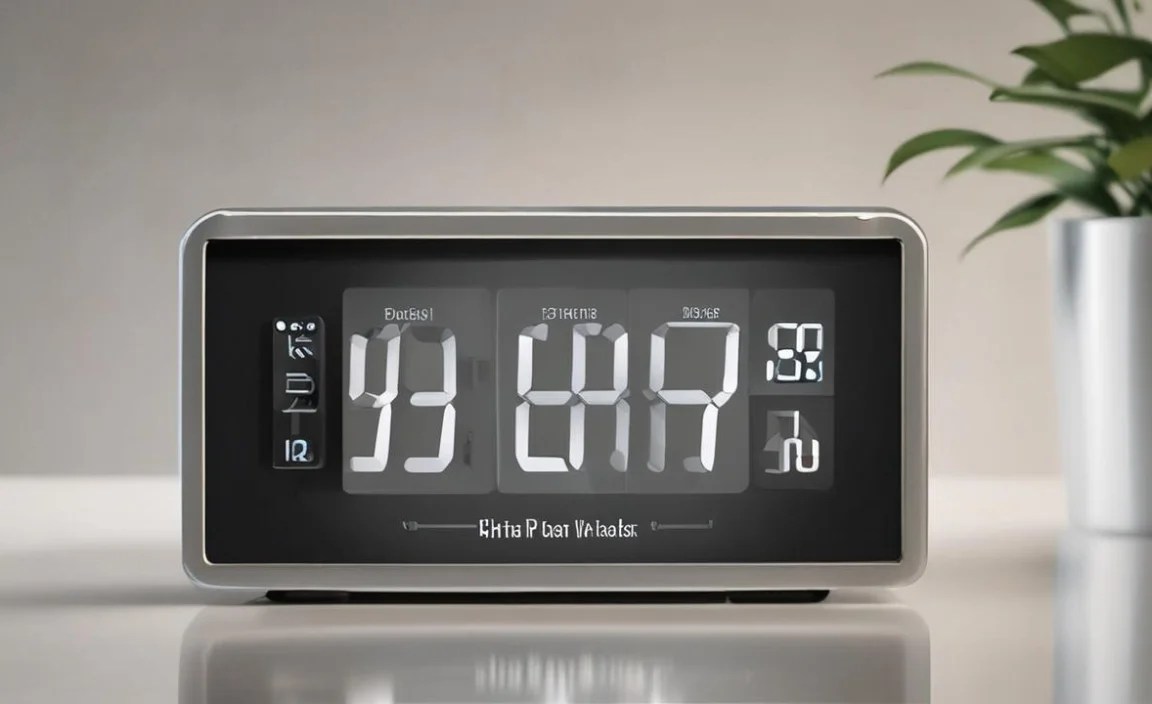
This is probably the most important feature.
Large Digits: Numbers should be big and bold. Look for digits that are at least an inch tall, or even larger.
Bright Display: A display that is easily illuminated without being glaring is ideal. Some clocks have adjustable brightness, which is a great bonus.
High Contrast: The background and digit colors should contrast well. Black numbers on a white or light-colored background, or vice versa, are usually the easiest to read. Avoid overly busy or colorful displays.
Ease of Setting and Controls
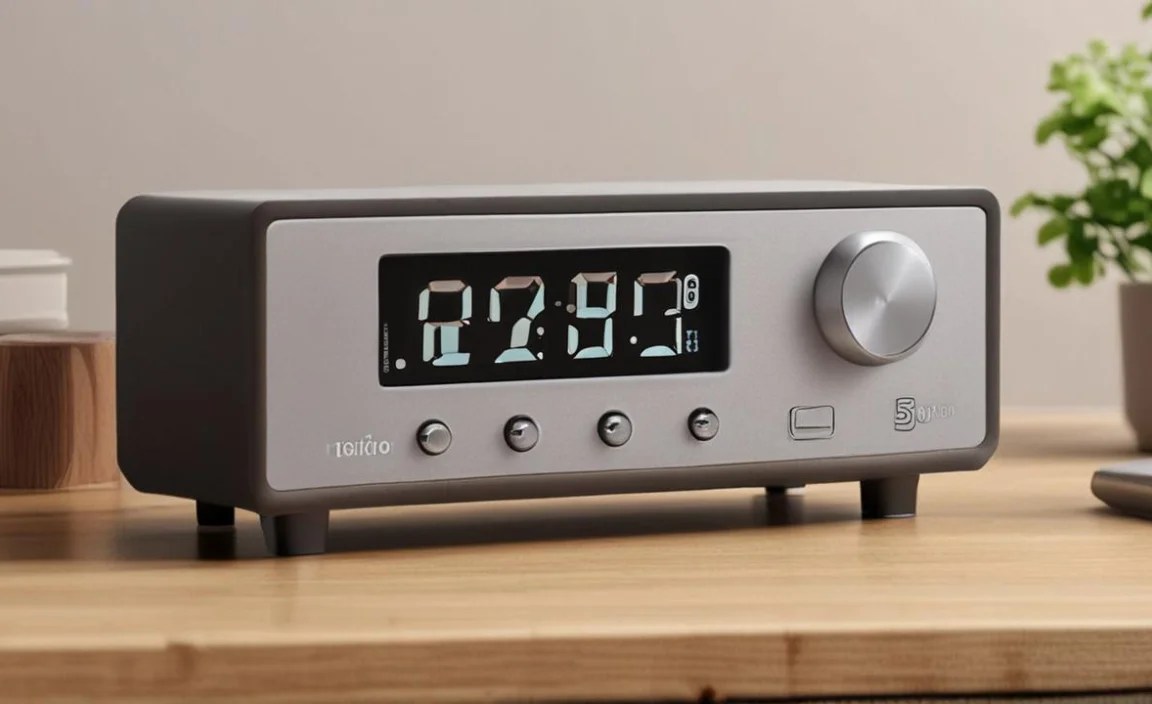
Complicated buttons can be a nightmare.
Simple Navigation: Look for clocks with a few, clearly labeled buttons. Buttons for setting the hour, minute, and perhaps an alarm function should be distinct and easy to press.
Intuitive Interface: The process of setting the time should be obvious. Many good clocks will allow you to simply press and hold a button and then use another button to advance the time.
Alarm Simplicity: If an alarm is needed, ensure it’s easy to set, turn on, and off. A dedicated alarm on/off switch is often better than a complex menu system.
Sound and Alarms
An alarm is a crucial feature for many.
Adjustable Volume: The alarm sound should be loud enough to be heard, but ideally, the volume can be adjusted. Some seniors may prefer a gentler waking sound.
Clear Alarm Tone: A clear, distinct tone is better than a jarring or complex sound.
Snooze Function: A snooze button is a common and often appreciated feature for those who like a few extra minutes in bed.
Power Source and Battery Life
While we’re focusing on battery-operated, knowing the details helps.
Battery Type: Most use AA or AAA batteries. Check how many are needed and if they are included.
Battery Indicator: A low-battery indicator is very useful so you’re not caught off guard when the clock stops working.
Long Battery Life: Look for clocks known for lasting a long time on a set of batteries. This reduces the frequency of battery changes.
| Feature | Why It Matters for Seniors | What to Look For |
|---|---|---|
| Digit Size | Improves readability for those with vision impairment. | At least 1″ tall, bold, and clear. |
| Display Brightness | Ensures the time can be seen in various lighting conditions. | Even illumination, adjustable brightness is a plus. |
| Contrast Ratio | Makes numbers stand out from the background. | High contrast (e.g., black on white, white on black). |
| Font Style | Simple, sans-serif fonts are easiest to read. | Avoid ornate or thin fonts. |
Popular Types of Battery Operated Digital Clocks for Seniors

When searching for a battery-operated digital clock, you’ll find several common styles, each with its own strengths. Understanding these can help you narrow down your choices.
Bedside Alarm Clocks

These are perhaps the most common. They are designed to sit on a nightstand and often include an alarm function. Many have features like large snooze buttons on top, which are easy to hit without looking.
Pros: Usually have clear displays, simple alarms, and are readily available. Often designed for easy nighttime visibility.
Cons: Can sometimes have too many features for a simple need.
Wall Clocks

If space on tables is limited, a battery-operated wall clock is a great option. These can be hung in kitchens, living rooms, or hallways where they are easily visible.
Pros: Frees up surface space, can be a decorative element, and visible from a distance.
Cons: Requires wall mounting, and some older models might not have the brightest displays.
| Clock Type | Best For | Key Considerations |
|---|---|---|
| Bedside Alarm Clock | Nightstand, waking up | Large snooze button, clear alarm volume, dimmable display. |
| Wall Clock | Kitchen, living room, hallway | Large digits, high contrast, easy to hand. |
| Desk Clock | Office space, craft area, entryway table | Compact size, stable base, clear display for quick checks. |
Travel Alarm Clocks
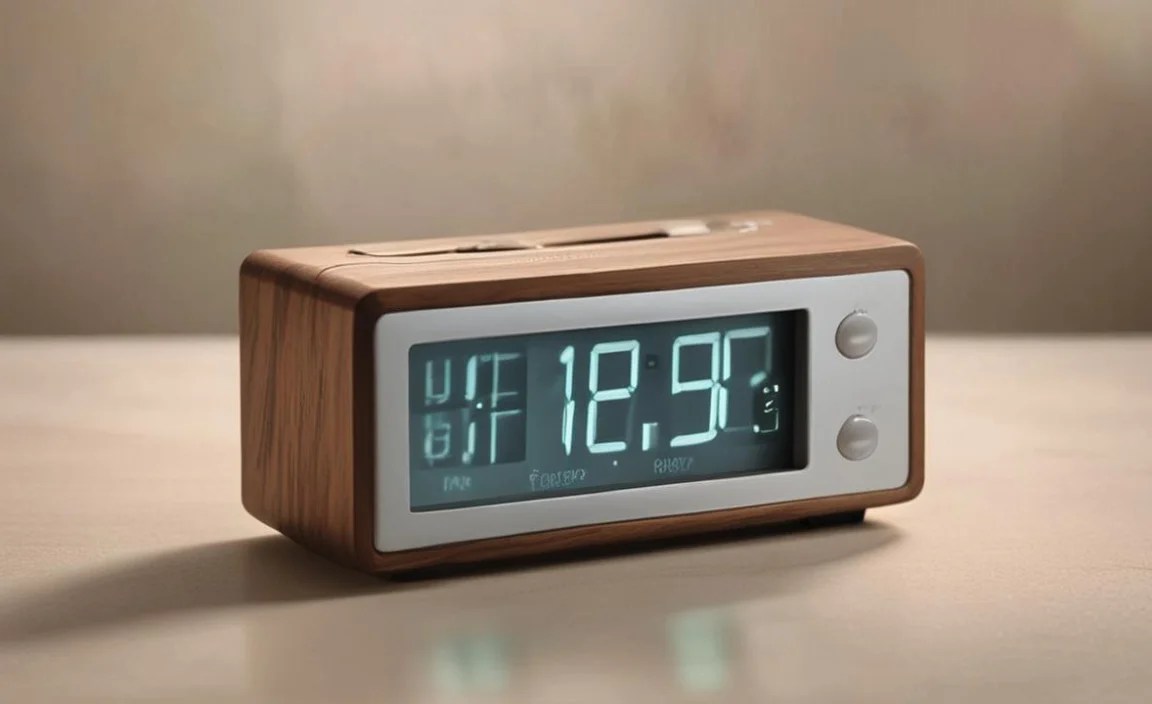
While designed for portability, these smaller clocks can also be excellent for seniors. Their compact size and simple setup make them easy to use on a small table or even a shelf.
Pros: Very compact, usually lightweight, and simple to operate. Often fold up to protect the display.
Cons: Displays might be smaller, and battery life can sometimes be shorter due to their size.
Setting Up Your Clock: A Simple Step-by-Step Guide

Getting your new battery-operated digital clock set up should be a breeze. Here’s a general guide that applies to most models. Always refer to your specific clock’s manual if you have one.
What You’ll Need:
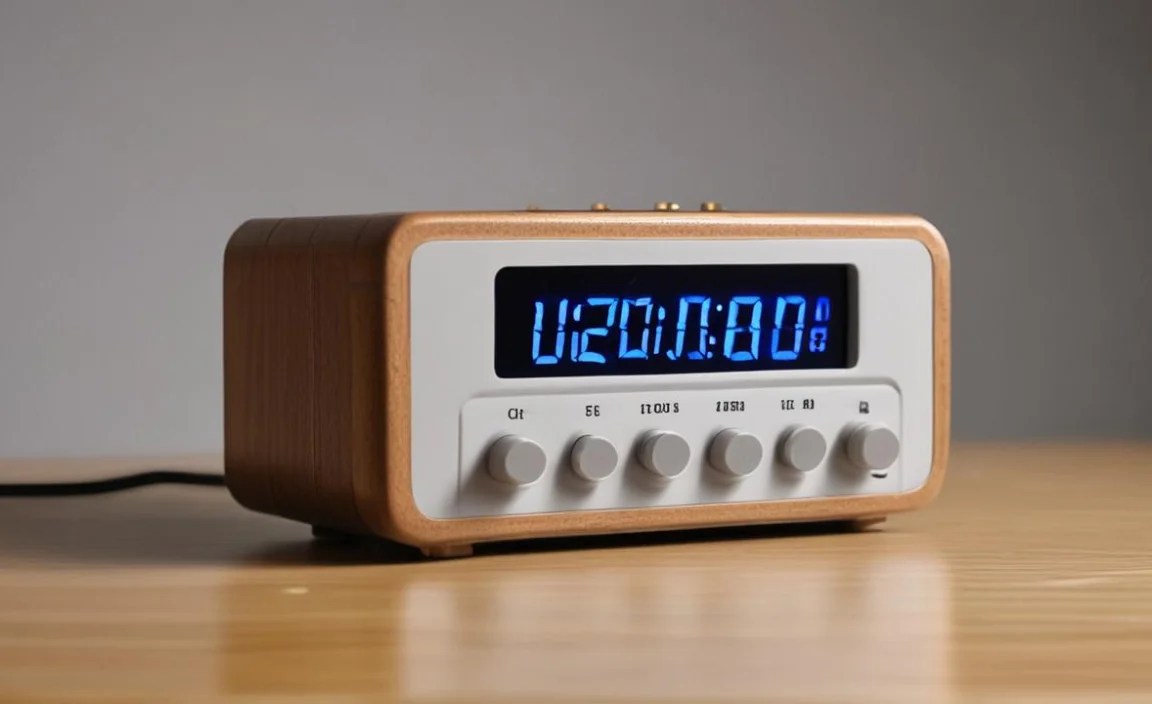
Your new battery-operated digital clock
The correct type and number of batteries (usually AA or AAA)
A small, flat-head screwdriver (sometimes needed to open the battery compartment)
Steps to Set Up:

1. Unpack and Inspect: Carefully remove the clock from its packaging. Check for any visible damage.
2. Open the Battery Compartment: Most clocks have a battery compartment on the back or bottom. It might have a small latch or require a screwdriver to gently loosen a screw. Be careful not to force it.
Safety Tip: Ensure the clock is on a stable surface before opening the compartment to prevent it from falling.
3. Insert Batteries: Pay close attention to the polarity markings (+ and -) inside the compartment. Insert the batteries according to these instructions. If you insert them incorrectly, the clock won’t work.
Tip: If using rechargeable batteries, make sure they are fully charged.
4. Close the Battery Compartment: Securely close the compartment. If there was a screw, tighten it gently.
5. Check for Display: The clock display should light up. If it doesn’t, double-check the battery installation and ensure you’re using fresh batteries.
6. Set the Current Time: This is where button functions come in.
Look for buttons labeled “Set,” “Time,” “Hour,” and “Minute,” or similar.
Often, you’ll press and hold the “Set” or “Time” button.
Then, use the “Hour” and “Minute” buttons to advance the numbers to the correct time.
Some clocks might have a button that cycles through 12-hour and 24-hour formats.
Release the “Set” button when the time is correct.
Pro Tip: Set your clock a minute or two ahead to ensure you’re never running late.
7. Set the Alarm (If Applicable):
Find the alarm setting buttons, often labeled “Alarm Set” or a bell icon.
Similar to setting the time, you’ll likely press and hold an alarm set button and use increment buttons to choose the alarm time.
Look for an “Alarm On/Off” switch or button to activate or deactivate the alarm.
8. Test the Alarm: If possible, test the alarm by setting it for a minute or two in the future, then turning it off. This ensures it works and you know the sound.
Remember, different models have slightly different button layouts. If you’re struggling, a quick search for the clock’s model number online might bring up a PDF manual. For example, reputable sources like the National Institute of Standards and Technology (NIST) provide extensive information on timekeeping standards, though they won’t cover specific clock models.
Maintaining Your Battery-Operated Clock
Proper care ensures your clock stays reliable for years. It’s mostly about simple checks and changes.
Battery Replacement: Most batteries last between 6 months to 2 years, depending on the clock and battery type. When the display starts to dim or the clock begins to lose time, it’s usually a sign to change the batteries. Always replace all batteries at once with new ones of the same type.
Cleaning: Dust the clock regularly with a soft, dry cloth. If the display needs a gentle wipe, use a slightly damp cloth (water only), and ensure the clock is completely dry before use. Avoid harsh chemicals or abrasive cleaners.
Battery Leakage: If batteries are left in the clock for a very long time and leak, clean the battery contacts carefully with a soft cloth dampened with white vinegar or lemon juice. Rinse with a damp cloth and dry thoroughly before inserting new batteries. This is important for the longevity of the clock’s internal components.
Troubleshooting Common Issues

Even the simplest devices can sometimes have minor hiccups. Here are a few common problems and how to solve them.
Clock Not Turning On:
Cause: Batteries inserted incorrectly or dead batteries.
Solution: Re-insert batteries, ensuring the + and – are aligned correctly. Try a fresh set of new batteries.
Display is Dim or Flickering:
Cause: Batteries are low.
Solution: Replace the batteries with new ones.
Clock is Losing Time or Running Fast:
Cause: Low batteries or a faulty internal mechanism.
Solution: First, replace the batteries. If the problem persists, the clock might be defective and may need replacing.
Alarm Not Sounding:
Cause: Alarm not turned on, alarm time set incorrectly, or batteries are too low to power the alarm sound.
Solution: Ensure the alarm is switched to “On.” Double-check that the alarm time is set correctly (AM/PM can be tricky). Replace the batteries.
Buttons Don’t Respond:
Cause: Clock needs a reset, or there’s an internal issue.
Solution: Remove the batteries for a minute, then reinsert them to reset the clock. If buttons still don’t work, the clock might be malfunctioning.
The Benefits of a Large Display Clock

For seniors, the size and clarity of the display are paramount. A clock with oversized digits provides immense practical value.
Reduces Eye Strain: Large numbers require less effort for the eyes to focus on, making it comfortable to check the time.
Immediate Understanding: The time can be grasped at a quick glance, without needing to squint or move closer.
Independence: Knowing the time easily contributes to a sense of control and independence, helping with daily routines and appointments.
Aids Navigation: For those with cognitive challenges, a clear, constant display of the time can be very grounding and reassuring.
Consider looking for clocks labeled as “easy-to-read” or specifically designed for seniors. Brands that focus on simplicity and clarity often excel in this area. Many educational resources, like those from the American Foundation for the Blind (AFB), highlight the importance of visual aids and accessible design for older adults.
When to Consider a Smart Clock (and When to Stick with Simple)
The world of clocks now includes “smart” options. These can offer extra features like syncing with atomic time, showing temperature, or even connecting to Wi-Fi.
Smart Clock Advantages:
Automatic Time Sync: Many smart clocks automatically set and adjust to the correct time via radio signals or Wi-Fi. This eliminates manual setting.
Extra Information: Can display date, day of the week, temperature, and humidity.
Customizable Alarms: Often have more sophisticated alarm options, including different sounds or gradually increasing volume.
Why a Simple Battery Clock is Often Better for Seniors:
Complexity: Smart features can introduce complexity. Setting up Wi-Fi or understanding all the options can be overwhelming.
Reliability: A simple battery clock relies only on its batteries and internal mechanism, making it less prone to connectivity issues or software glitches.
Power: If Wi-Fi is down or the power adapter fails on a smart clock, it might stop working unless it has battery backup. A pure battery clock is always prepared.
Cost: Simple battery-operated clocks are generally much more affordable.
For most seniors seeking a practical way to tell time, a well-chosen, simple battery-operated digital clock is the superior choice. It’s reliable, easy to use, and does its job perfectly without unnecessary complications.
Frequently Asked Questions About Battery Operated Digital Clocks for Seniors
Here’s a look at some common questions and clear answers to help you out.
Q1: How often do I need to change the batteries in a battery-operated clock?

This depends on the clock and the type of batteries used. Generally, you can expect batteries to last anywhere from 6 months to 2 years. When the display looks dim or the clock starts losing time, it’s a good sign to replace them.
Q2: What is the easiest type of battery-operated clock for seniors to use?

Look for clocks with large, bold digits, a high-contrast display, and simple, clearly labeled buttons. Avoid clocks with too many buttons or complex menus. A basic alarm clock with an easy on/off switch is often the best choice.
Q3: Can my battery-operated clock still lose time if it’s battery-powered?

Yes, if the batteries are running low, the clock’s internal mechanism might not run at a consistent speed, causing it to lose or gain time. Replacing the batteries should fix this. In rare cases, a clock might be malfunctioning.
Q4: Do battery-powered clocks need special batteries?
Most battery-powered digital clocks use standard AA or AAA alkaline batteries. Always check your clock’s manual or the battery compartment for the specific type and number of batteries required.
Q5: What does “12/24 hour format” mean on a clock?
This refers to how the clock displays the time. In 12-hour format, the time is shown with AM (morning) and PM (afternoon/evening) indicators (e.g., 3:00 PM). In 24-hour format, it uses a 24-hour cycle (e.g., 15:00 for 3 PM). Most